
How to Make a Tier List That People Understand and Share
To make a tier list, choose a focused topic, decide what your tiers mean, add the items you want to rank, drag each item into the right row, then export or share the final ranking. Use a tier list maker for image-based rankings, or a text tier list maker when names are enough.
When a Tier List Is the Right Format
A tier list works best when people want to compare a set of items quickly. It is not only for games. You can use tier lists for movies, anime, food, music, books, products, sports teams, classroom activities, video ideas, creator collabs, or personal priorities.
Use a tier list when:
You have multiple items that can be grouped by quality, preference, usefulness, strength, or priority.
You want people to understand your opinion at a glance.
You expect discussion, disagreement, voting, or sharing.
You want a visual result you can post as an image.
You need a lightweight alternative to a spreadsheet or long ranked list.
A tier list may not be the best format when:
The exact order from number 1 to number 50 matters.
Every item needs a long written review.
The items cannot be compared by the same standard.
You only have two or three options.
Quick Decision: Text or Images?
Before you start, decide whether your tier list should use text, images, or both.
FormatChoose it whenAvoid it whenText onlyThe names are clear enough and speed mattersPeople need visual recognitionImagesThe topic is visual, like characters, food, logos, or productsFinding images would slow you downText + imagesYou want a public template that is both clear and visualThe list needs to stay quick and simple
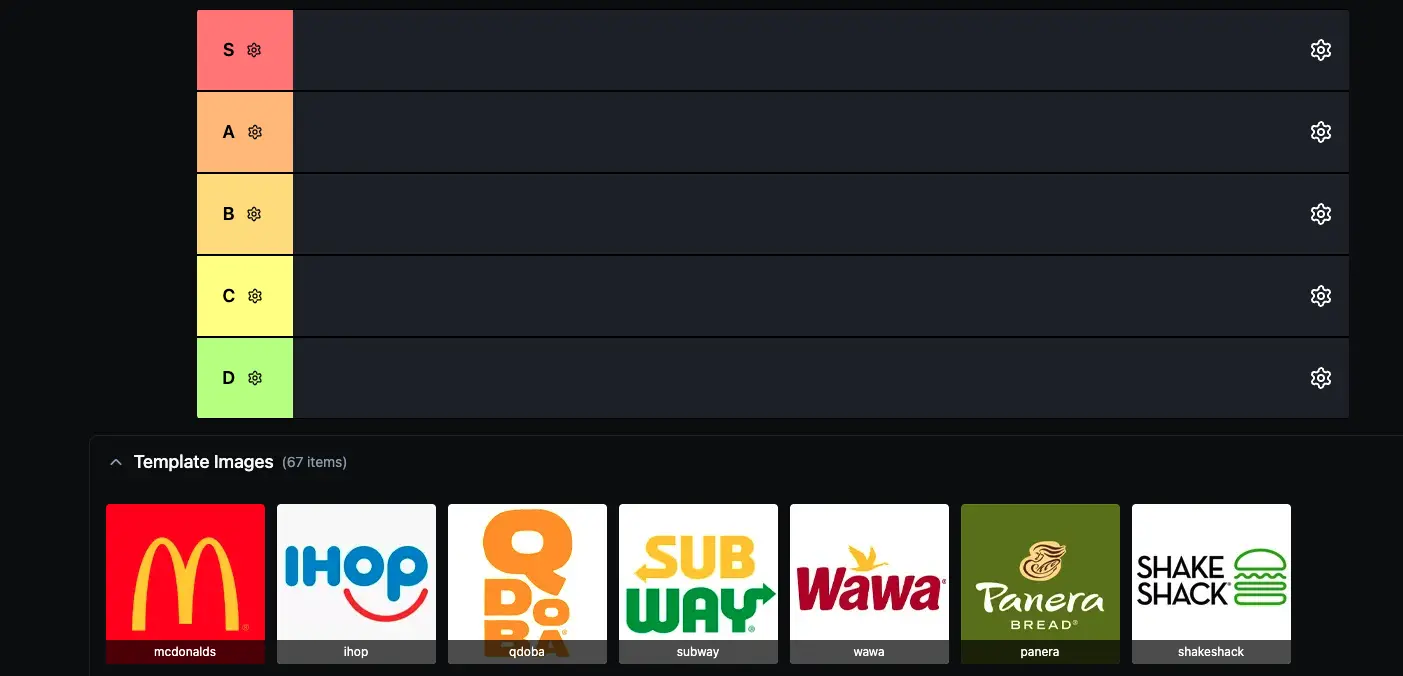
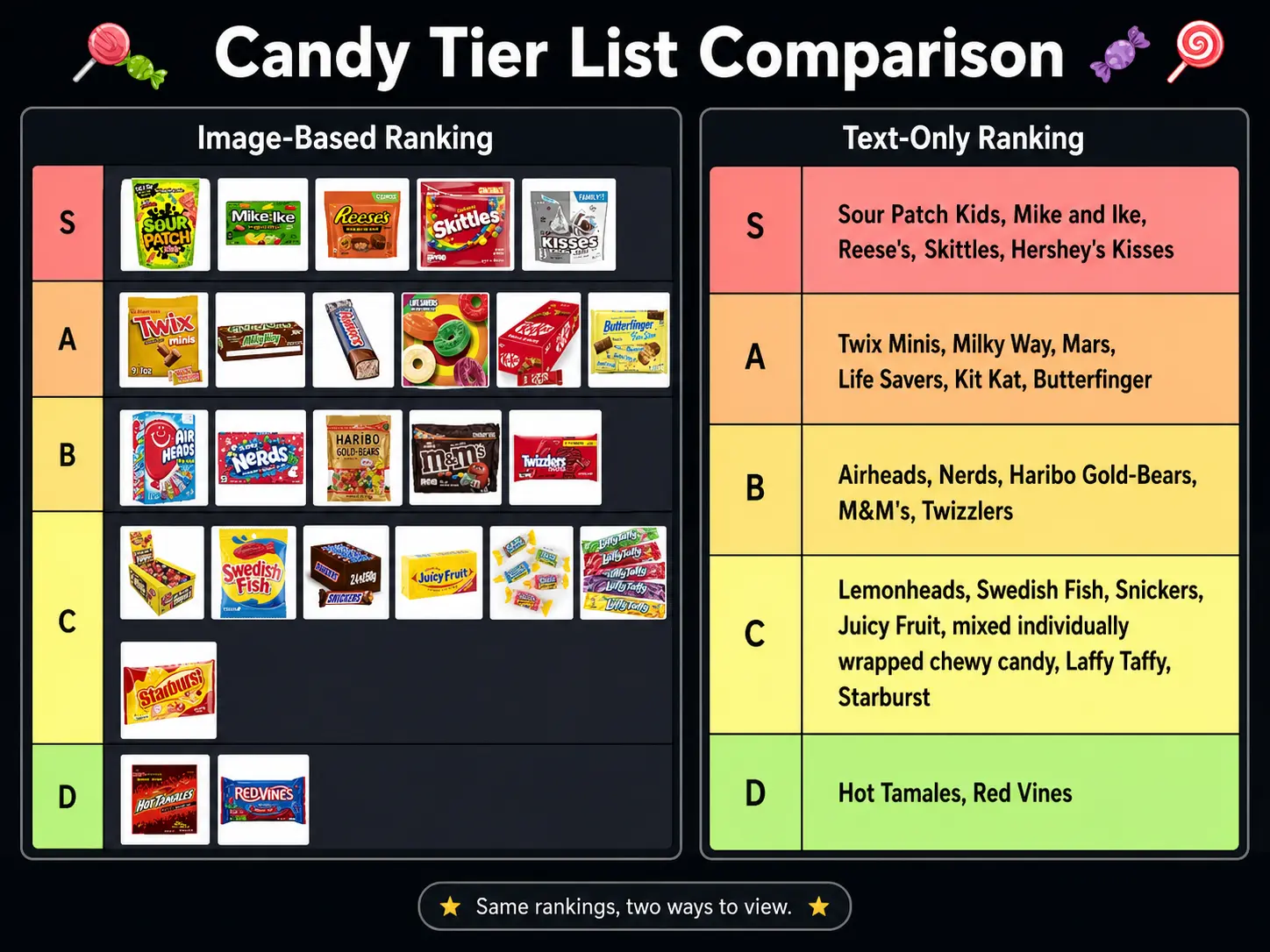
For movies, books, songs, ideas, apps, or personal rankings, text is usually enough. For game characters, anime characters, restaurants, food, creators, products, or logos, images usually make the tier list easier to scan.
If you are unsure, start with text. You can finalize the ranking first, then add images only if the list will be shared publicly.
How to Make a Tier List in 7 Steps
1. Choose One Specific Topic
The best tier lists are narrow enough that every item belongs in the same conversation.
Good topics:
Best Tekken 8 beginner characters
Fast food fries ranked
Favorite albums by one artist
Marvel movies by rewatch value
Classroom reward ideas
Video ideas for a YouTube channel
Productivity apps for students
Weak topics:
All games
Every movie ever
Best people
Random things I like
Specific topics are easier to rank, easier to search for, and easier for other people to react to.
2. Define the Ranking Criteria
Before adding items, write one sentence that explains what the ranking means.
Examples:
"I am ranking these characters by beginner friendliness."
"I am ranking these movies by rewatch value."
"I am ranking these foods by how often I would order them."
"I am ranking these ideas by how likely I am to actually use them."
This matters because the same topic can produce very different tier lists. A Tekken 8 tier list based on tournament strength will not look the same as one based on beginner friendliness. A movie list based on personal enjoyment will not match one based on historical importance.
3. Pick Your Tier Labels
Classic labels are:
TierCommon meaningSBest of the bestAGreatBGoodCAverageDWeakFWorst or not recommended
You can also rename tiers to fit the topic.
For games:
Meta
Strong
Playable
Hard to recommend
Needs buffs
For movies:
Must-watch
Great
Fun once
Forgettable
Skip
For food:
Always order
Great choice
Depends on mood
Only if free
Never
Use custom labels when they make the list clearer. Avoid labels that are funny but hard to interpret.
4. Add All Items Before Ranking
Add every item before you start dragging. This helps you compare the full set instead of overrating the first few items you think of.
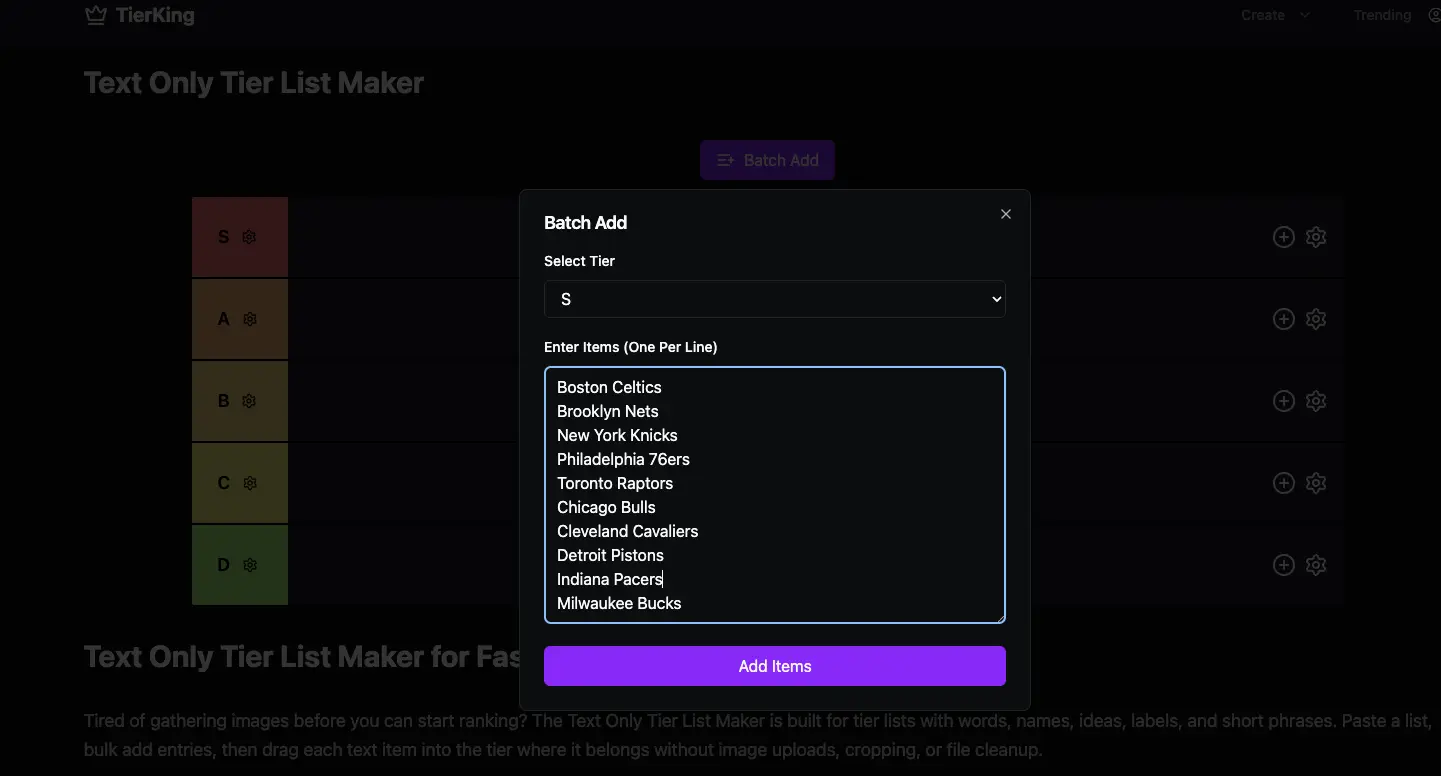
For a text-only list, paste one item per line:
The Dark Knight
Spider-Man: Into the Spider-Verse
Mad Max: Fury Road
Everything Everywhere All at Once
Parasite
For an image list, use square or near-square images when possible. Consistent image shapes make the final export easier to read.
As a rule of thumb:
Item countBest use5-10Quick personal opinion10-40Most public tier lists40-100Fandom, game, or large template lists100+Only if the topic really needs a huge template
5. Place the Obvious Items First
Do not try to perfectly sort everything immediately.
Start with:
Obvious top-tier items.
Obvious bottom-tier items.
Clear A and B tier items.
Difficult middle items.
Final left-to-right ordering inside each tier.
This reduces decision fatigue. The middle is usually where the hardest choices are, so solve the extremes first.
6. Check the List for Consistency
Before exporting, review your tier list as if someone else made it.
Ask:
Does every item follow the same ranking criteria?
Is S tier too crowded?
Are any tiers empty for no reason?
Would a viewer understand the labels?
Are the item names readable on mobile?
Does the left-to-right order inside each row matter?
If order inside a row matters, put stronger items on the left and weaker items on the right. Many viewers assume that is how tier lists work.
7. Export, Share, or Let People Vote
Use PNG export when you want a static image for social media, a blog post, a video, a presentation, or a group chat.
Use a share link when people should open the list online, make their own version, or revisit it later.
Use a voting or group ranking format when the list should represent a community decision instead of one person's opinion. This works well for Discord servers, classrooms, friend groups, fandoms, and creator audiences.
Example Tier List Setups
Use these as starting points.
Game Character Tier List
Best for fighting games, RPGs, hero shooters, party games, and gacha games.
TierMeaningSBest characters in the current metaAStrong choices for most playersBSolid but matchup-dependentCUsable with effortDWeak, niche, or too difficult to recommend
Good criteria: competitive strength, matchup spread, beginner friendliness, skill ceiling, patch changes, tournament results.
Movie Tier List
Best for franchises, directors, genres, actors, and yearly rankings.
TierMeaningSMust-watchAGreatBGoodCMixedDDisappointingFWould not rewatch
Good criteria: rewatch value, story, pacing, acting, visuals, emotional impact, personal enjoyment.
Food Tier List
Best for fast food, snacks, pizza toppings, cuisines, drinks, and desserts.
TierMeaningSAlways orderAGreat choiceBGood sometimesCOnly in the right moodDNot for me
Good criteria: taste, price, consistency, availability, texture, craving level.
Text-Only Idea Tier List
Best for ideas, priorities, books, tools, productivity methods, video topics, and personal decisions.
TierMeaningSHighest priorityAWorth doingBGood but not urgentCMaybe laterDDrop it
For this format, use the tier list maker with text so you can paste ideas quickly.
Common Mistakes to Avoid
Ranking by Multiple Standards at Once
Do not rank some items by personal taste and others by objective strength unless you clearly say so. Pick one main standard and apply it across the whole list.
Making S Tier Too Large
S tier should feel special. If half the items are in S tier, the top row stops communicating anything useful.
Adding Too Many Tiers
More tiers do not always create more clarity. If people cannot tell the difference between A, A-, B+, and B, use fewer rows.
Using Labels People Cannot Decode
Custom labels can make a list memorable, but viewers should still understand the order immediately.
Ignoring Mobile Readability
Many people will see your tier list on a phone. Keep text readable, avoid overcrowded rows, and use clean images.
Forgetting the Unranked Items
If you export too early, some items may still be in the unranked tray. Do one final scan before sharing.
What Makes a Tier List Good?
A good tier list is not just a chart with rows. It has a clear point of view.
Strong tier lists usually have:
A focused topic.
A clear ranking standard.
Tier labels that match the topic.
Enough items to feel complete.
Not too many items in the top row.
Readable names or images.
A clean export or share link.
A short explanation when the ranking might be debated.
The best tier lists also invite response. People should want to say, "I agree," "I would move this up," or "Let me make my own version."
Text Tier List vs Image Tier List
QuestionUse textUse imagesDo people know the item by name?YesNot alwaysIs speed important?Best choiceSlowerIs visual recognition important?LimitedBest choiceIs it for social media?WorksUsually betterIs it for ideas or priorities?Best choiceUsually unnecessaryIs it for characters or food?Works with labelsUsually better
Choose text for speed and clarity. Choose images for recognition and sharing. Choose both when the list needs to be public, reusable, and easy to scan.
How to Make a Tier List With Friends
For a group tier list, do not let the loudest person decide everything.
Use this process:
Agree on the topic.
Agree on the ranking criteria.
Add all items first.
Let each person nominate top and bottom items.
Discuss the middle tiers last.
Export the final list.
Share a link so others can make their own version.
If the group is large, use a voting format instead. Voting is better when you want a community ranking, classroom activity, Discord event, or audience-driven content.
FAQ
What is the easiest way to make a tier list?
The easiest way is to use a free tier list maker, add your items, drag them into ranked rows, then export the finished list as a PNG or share it with a link. If you do not need pictures, use a text-only tool and paste all items at once.
Can I make a tier list for free?
Yes. You can make a free tier list with TierKing's tier list maker. You can create custom tiers, add text or images, export as PNG, and share rankings without starting from a complex design tool.
Do I need images for a tier list?
No. Images are optional. A text-only tier list is often better for movies, books, albums, ideas, tools, and personal rankings. Use images when visual recognition matters, such as game characters, food, logos, creators, or products.
What does S tier mean?
S tier means the best of the best. It is usually higher than A tier and should be reserved for items that clearly stand above the rest. In most lists, S tier should be small enough to feel meaningful.
How many tiers should a tier list have?
Most tier lists work well with 4 to 6 tiers. Fewer tiers can make the ranking too vague, while too many tiers can make small differences feel more important than they are. Use more tiers only when the topic needs extra detail.
What should I put in a tier list?
You can rank anything that can be compared by the same standard: characters, games, movies, songs, albums, food, tools, books, creators, sports teams, video ideas, school subjects, or personal priorities. The key is to keep the topic focused.
How do I share a tier list?
Export the tier list as a PNG if you want to post it on social media, add it to an article, or use it in a video. Use a share link if you want friends or viewers to open it online or make their own version.
What is the difference between a tier list and a ranked list?
A ranked list orders every item from first to last. A tier list groups items into levels, so several items can share the same tier. Use a ranked list for exact order and a tier list for fast comparison.
Final Recommendation
If you want a visual ranking, start with the free tier list maker. If you want the fastest possible option, use the text only tier list maker and paste your items in seconds.
The strongest tier lists are clear, focused, and easy to react to. Choose one topic, define your ranking criteria, keep the labels understandable, and make the final export readable enough for people to share.