Text Only Tier List Maker
Add Items to Pool
Paste one text item per line. They will be added to the Pool.

Text Only Tier List Maker for Fast Word Rankings
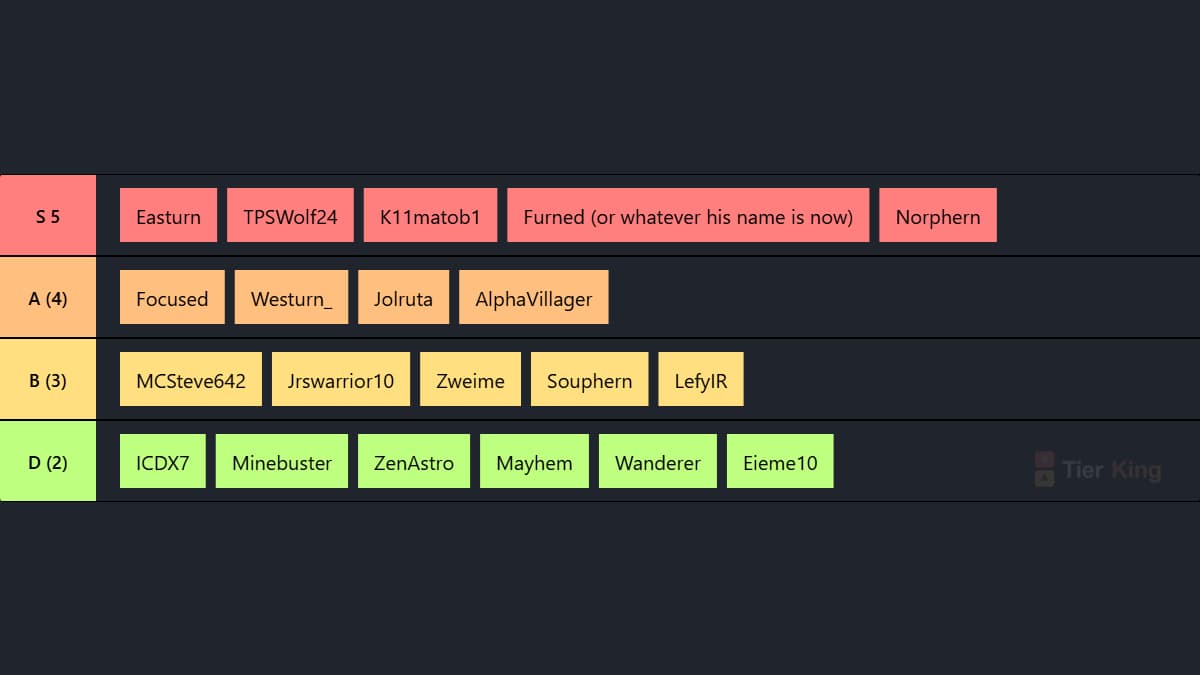
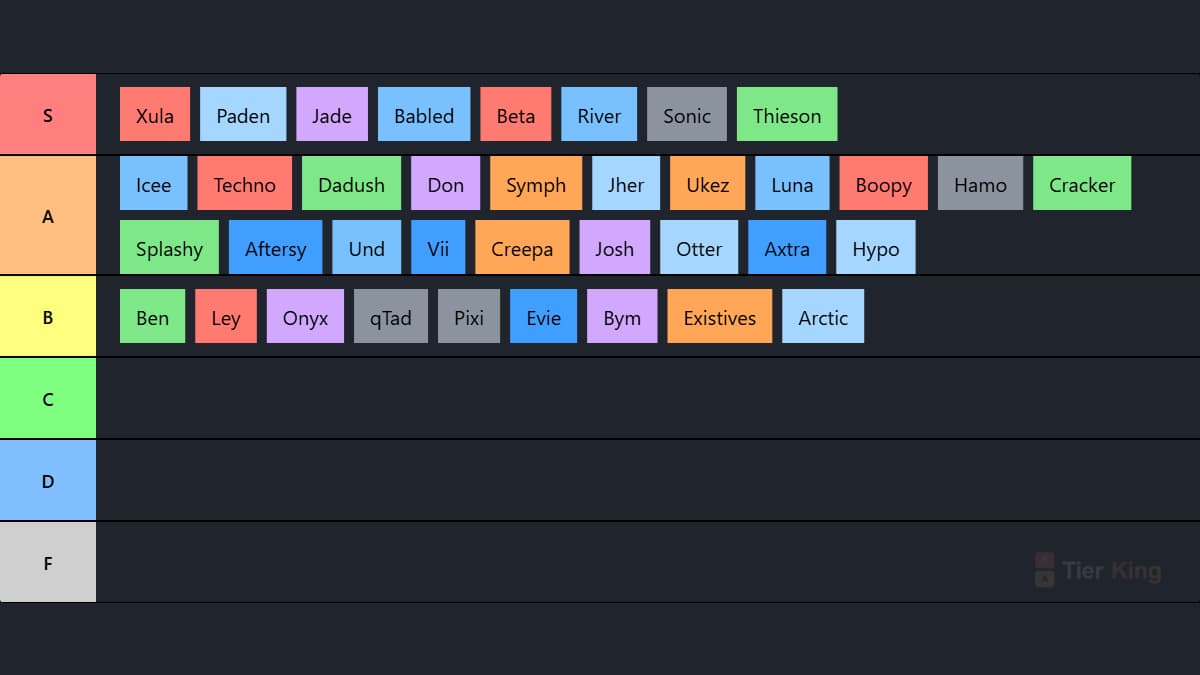
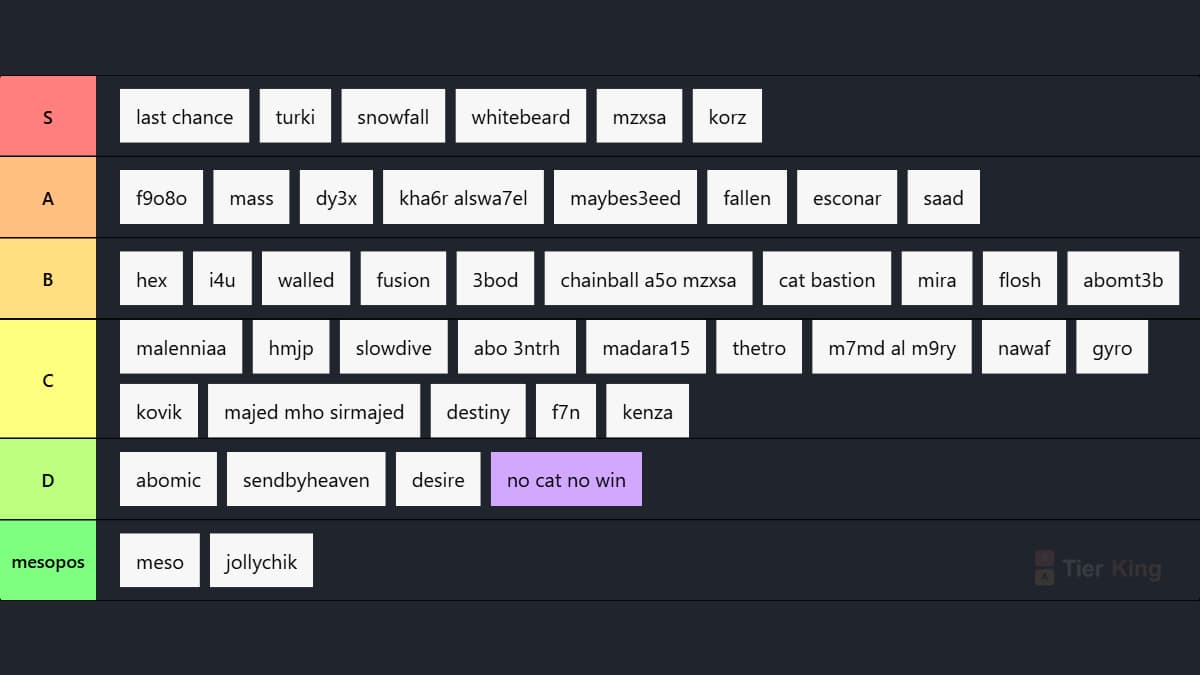
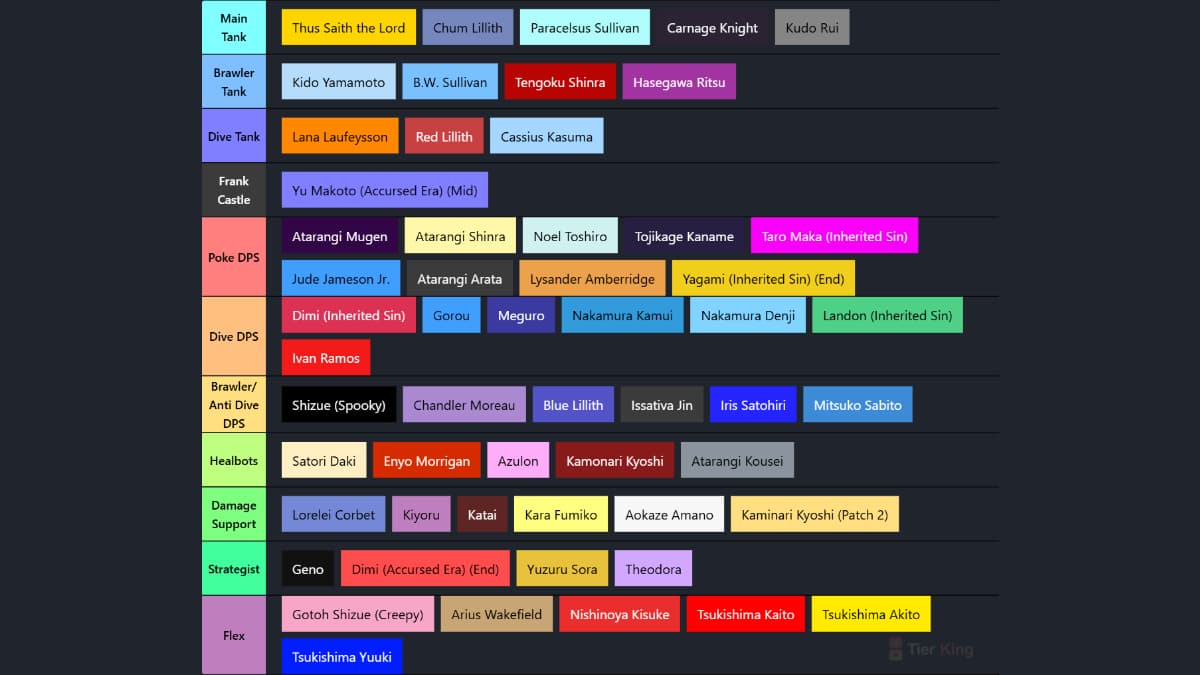
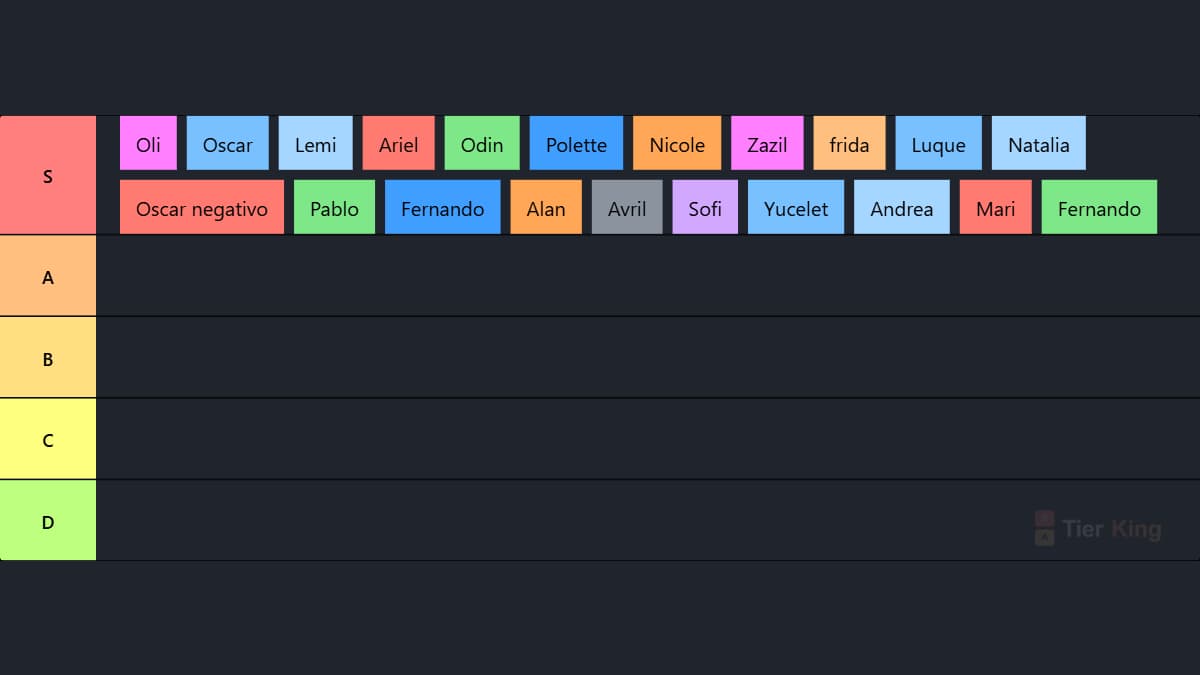
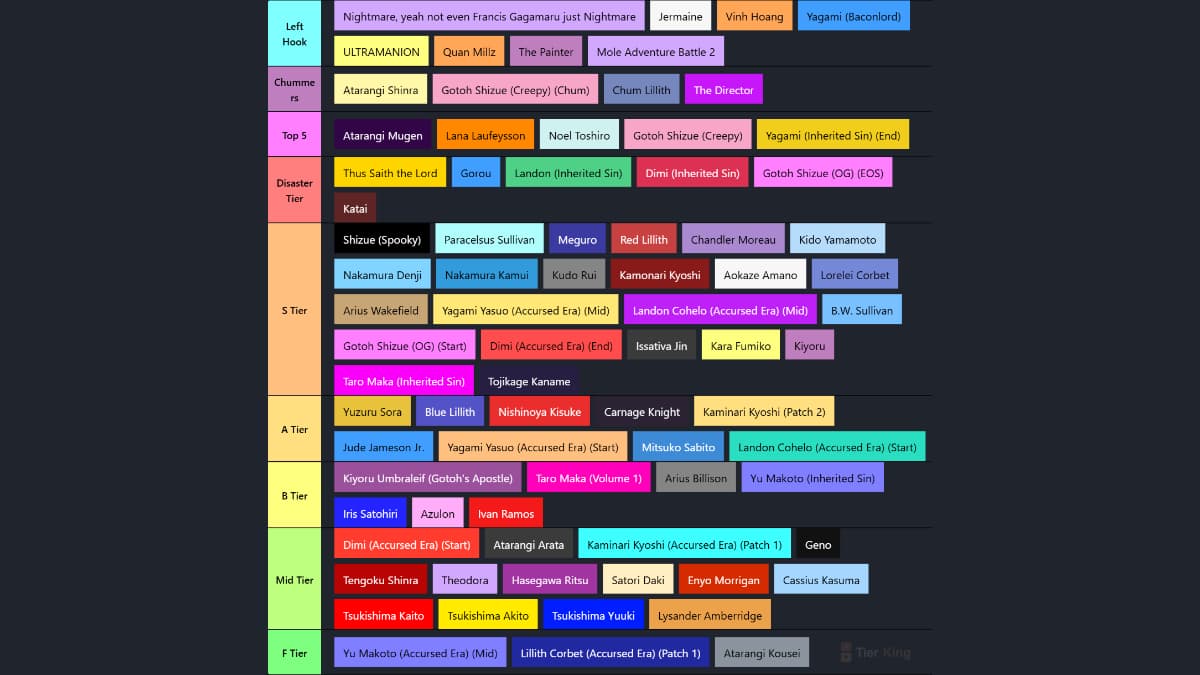
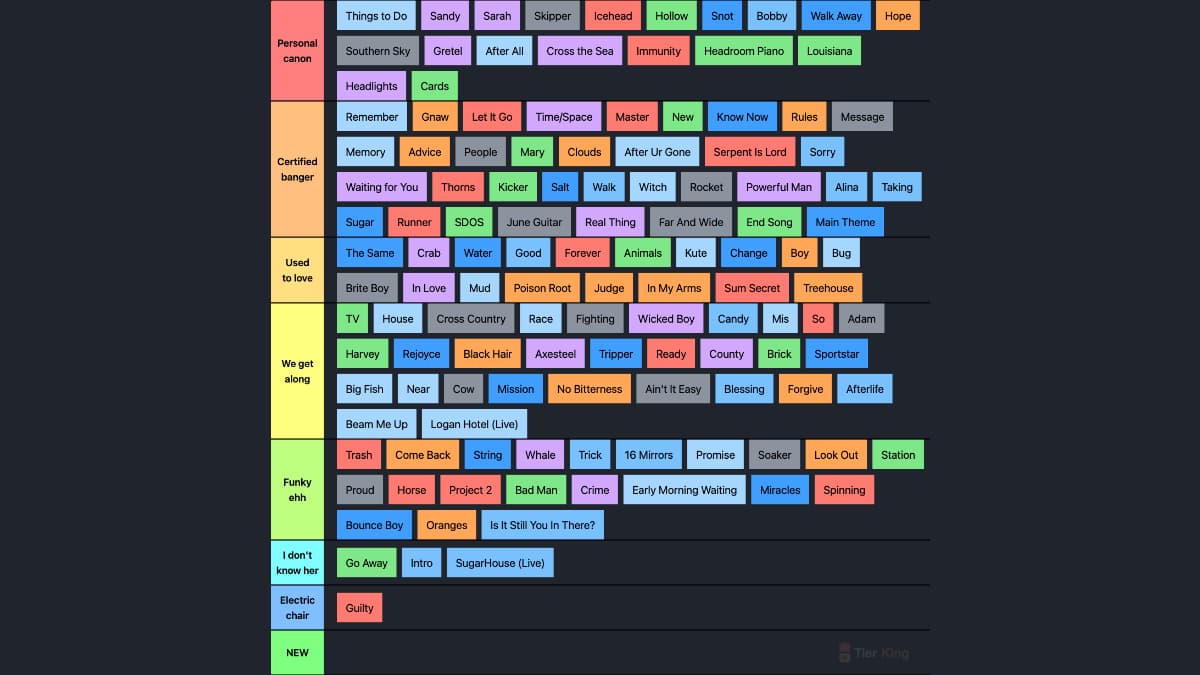
Tired of gathering images before you can start ranking? The Text Only Tier List Maker is built for tier lists with words, names, ideas, labels, and short phrases. Paste a list, bulk add entries, then drag each text item into the tier where it belongs without image uploads, cropping, or file cleanup.
Use it for a no images tier list, a classroom debate, a game ranking, a team brainstorm, a content priority list, or any quick ranking where the words matter more than visuals. When the list is ready, export the tier list as a PNG image or share it so others can view the ranking.
Ways to Use a Text Tier List
Prefer visual rankings? Try the tier list maker with images. Need community input? Create an interactive text vote tier list, or browse trending tier lists for related ranking ideas.
Build PRO Tier Lists - Create tier list in 1 minute Tutorial
Other Tier List Tools
Tier List Maker with Custom Images
Create visually stunning tier lists with your own images. With auto-save local storage feature, you can pause and resume anytime - never lose your progress again!
Create with Images →Vote Tier List Maker
Turn your tier list into an interactive poll! Choose your perfect voting setup: open to everyone, password-protected, or login-required for maximum flexibility.
Create Vote Tier List →Frequently Asked Questions
How do I make a tier list without images?
Use TierKing's Text Only Tier List Maker to type or paste your items, arrange the words into tiers, and share the finished ranking. No image upload, cropping, or editing is required.
Can I paste a list or bulk add items?
Yes. Paste a list of names, ideas, songs, games, characters, foods, teams, or other text entries to quickly bulk add items before sorting them into tiers.
Can I make a tier list with words only?
Yes. Text-only tier lists are built for rankings that use words instead of images, so they work well for opinions, ideas, prompts, names, categories, and quick comparison lists.
Can I create a tier list on TierKing without an account?
Yes. TierKing lets you create text tier lists without signing up. Your lists are automatically saved to your browser's local storage, and you can sign up for free if you want to save lists across devices.
What can I rank with a text-only tier list?
You can rank movies, TV shows, games, music albums, restaurants, sports teams, characters, historical events, books, products, ideas, habits, inside jokes, and more.
Can I export a text tier list as a PNG?
Yes. After making your text only tier list, you can export or download the finished ranking as an image file for sharing in chats, documents, or social posts.
How do I share my tier list created on TierKing?
After creating your tier list, use the share options to get a link, download an image, or share it with friends and communities. You can also create a voting version when you want others to submit rankings.
Trending Text Tier Lists