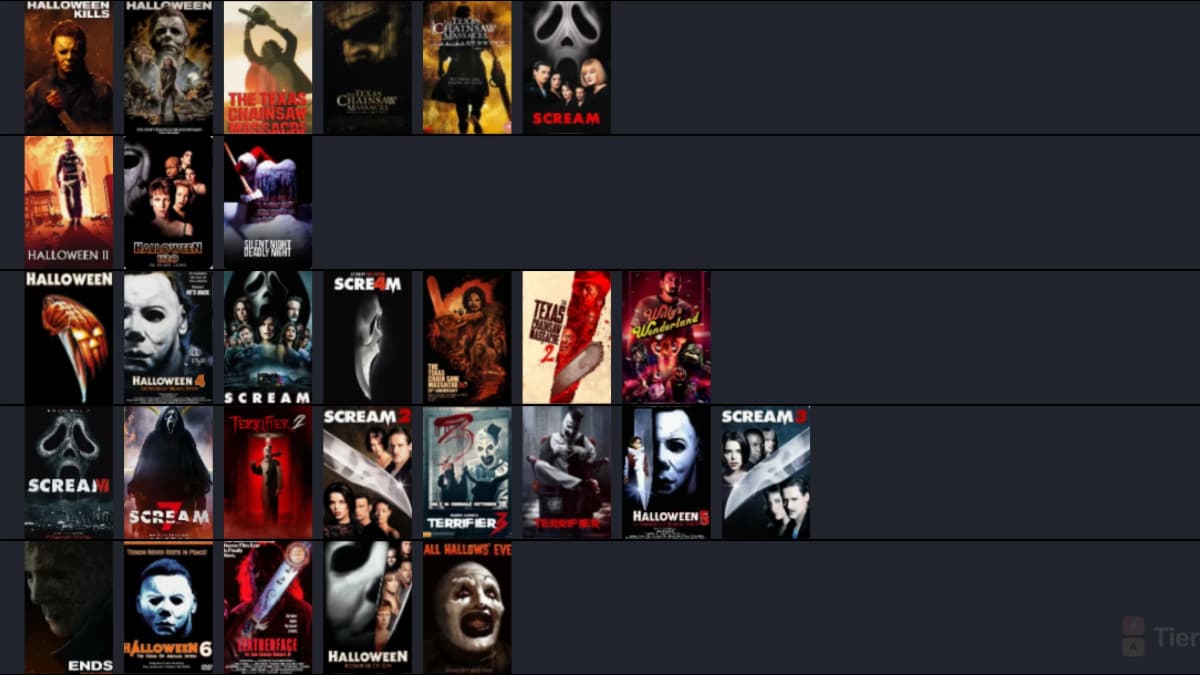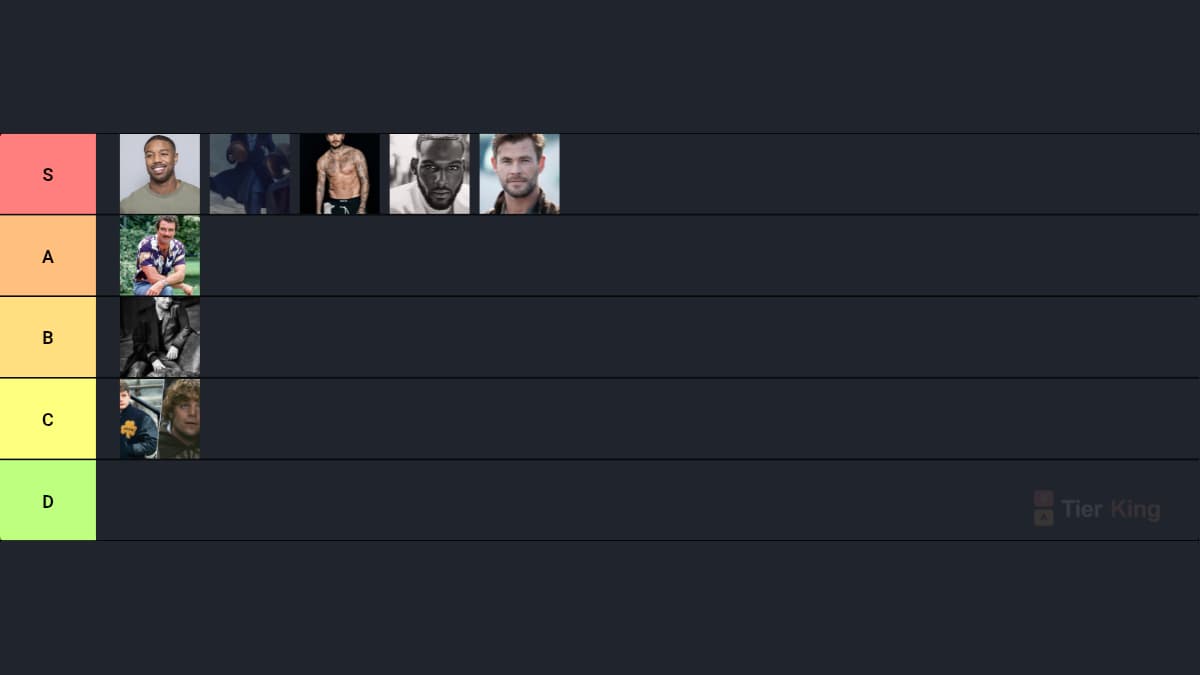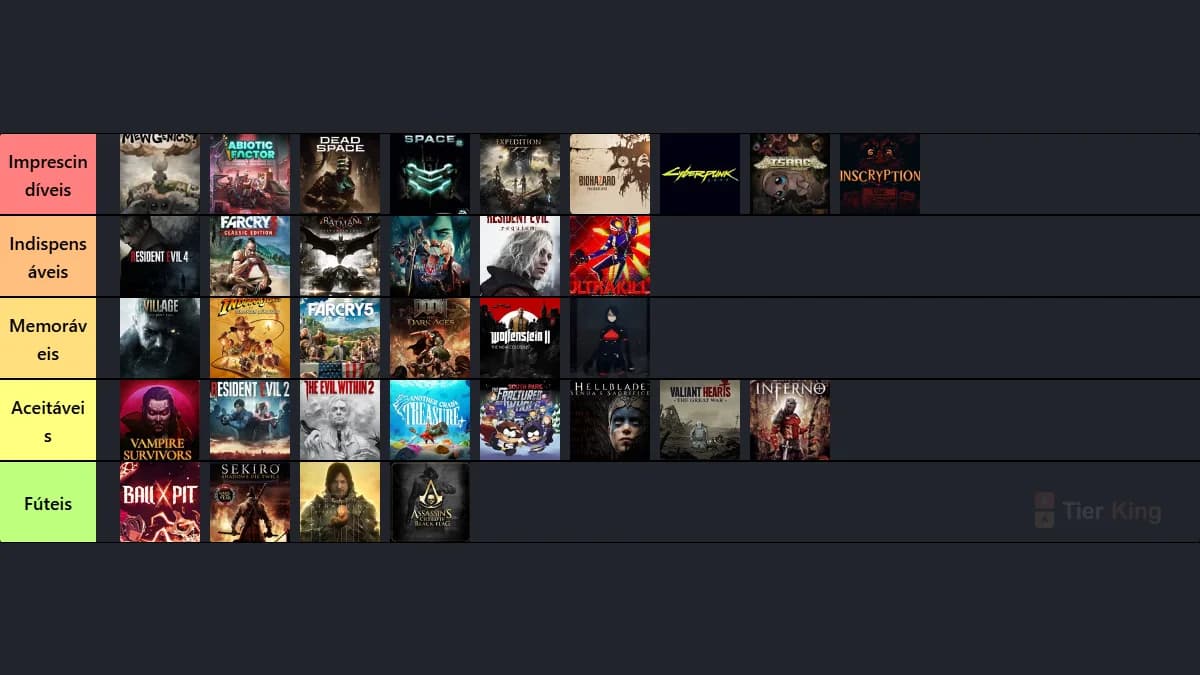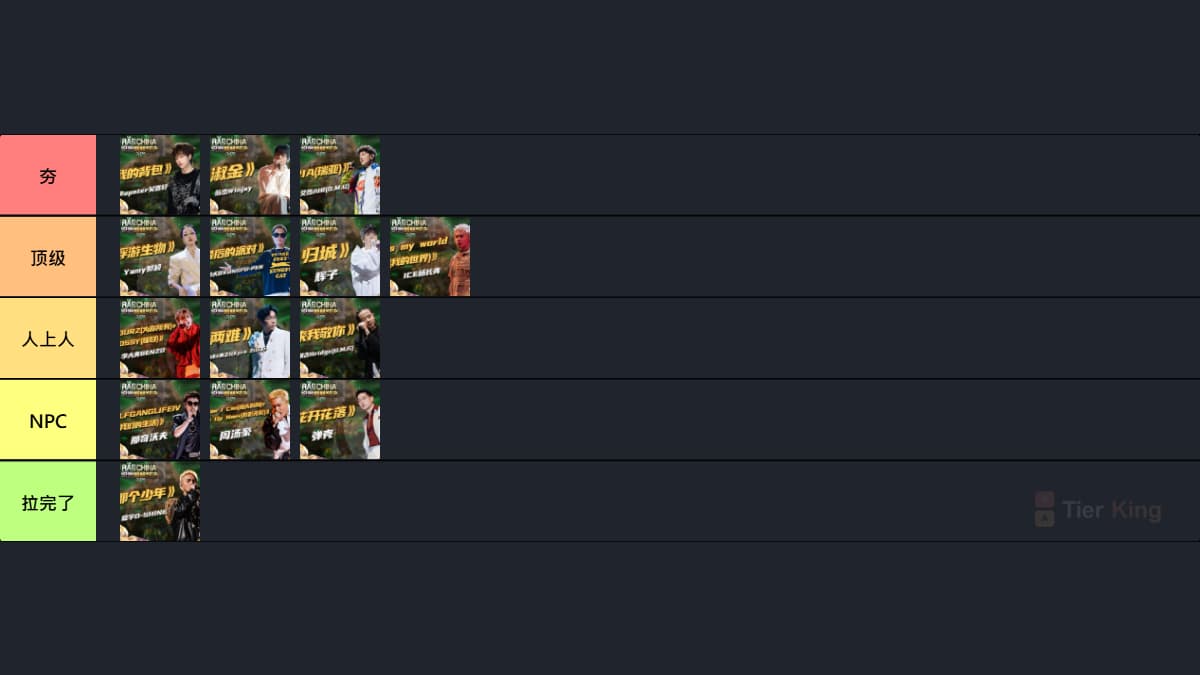
Free Tier List Maker
Create a custom tier list online with images, no login required. Use the TierKing tier list creator to rank anything, export your finished ranking as a PNG, and share it with friends or your community.
Upload images to start
Choose several images at once, or start with template items. No account is needed.

Make custom rankings with text or images
No-login creation
Open the tier list creator, add your labels and images, and start ranking without an account gate.
Custom image tiers
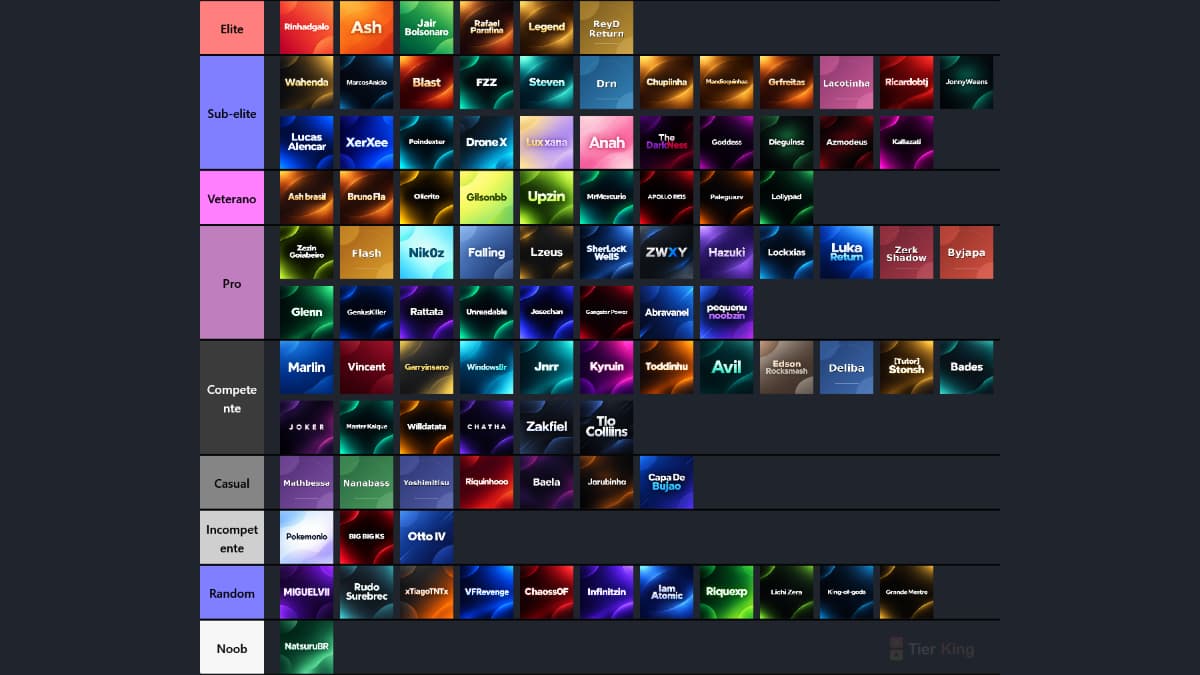
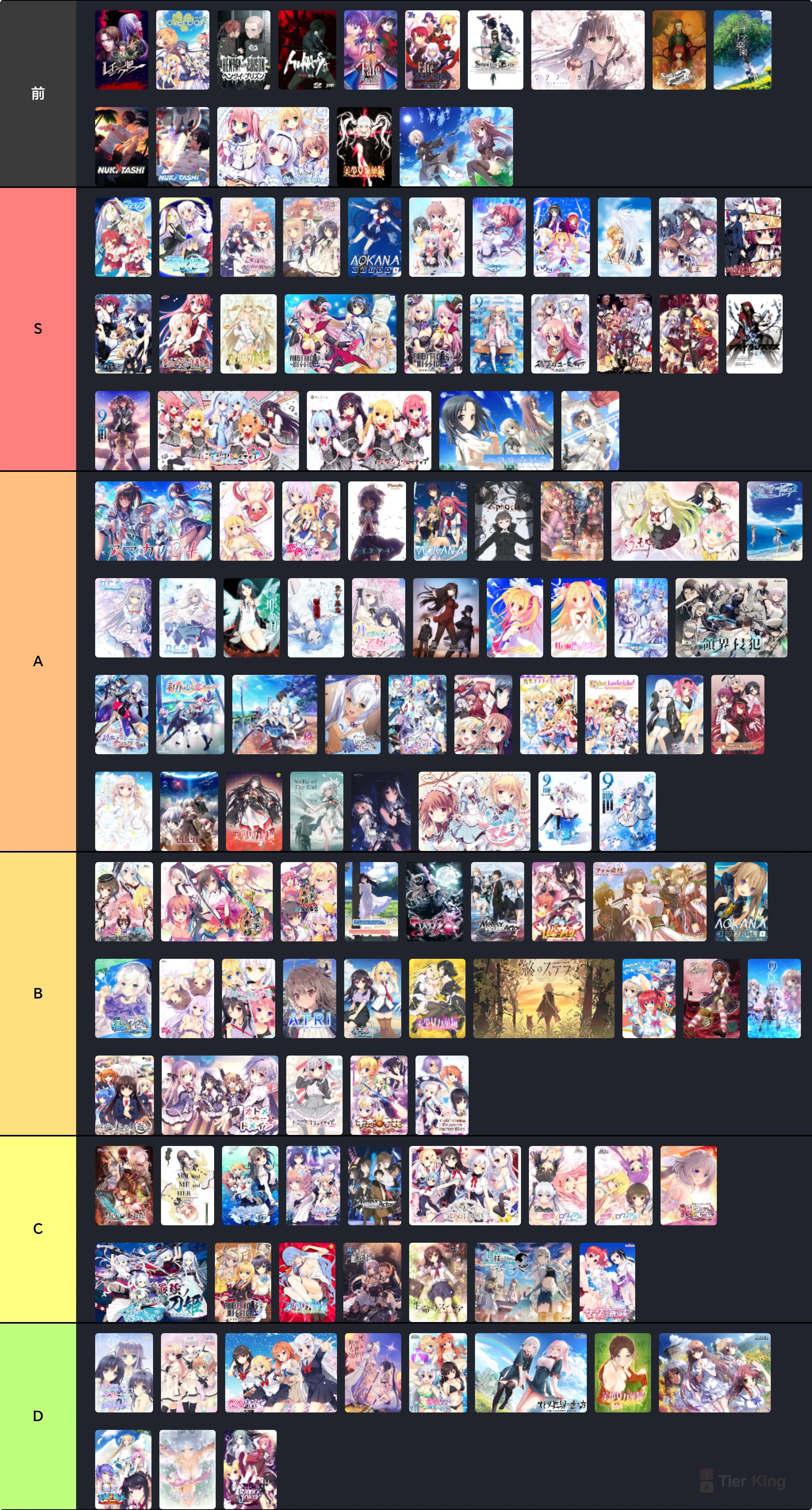
Build a custom tier list maker layout for games, anime, movies, music, sports, food, creators, or any comparison.
PNG export
Download a clean image of your completed ranking so it is easy to post, send, or archive.
Shareable rankings
Save public rankings or turn the same idea into a voting tier list when you need group input.
A tier list creator for everyday decisions
TierKing is built for quick visual ranking. Add images, arrange items from best to worst, customize the rows, and export a PNG when your list is ready. Use it as a custom tier list maker for entertainment, planning, content, or group discussion.
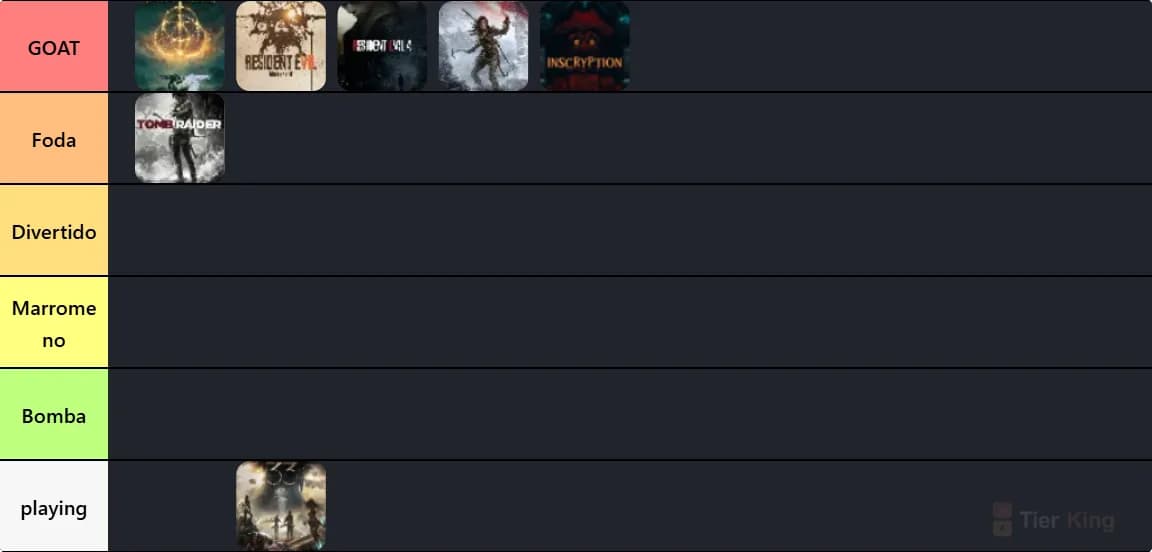
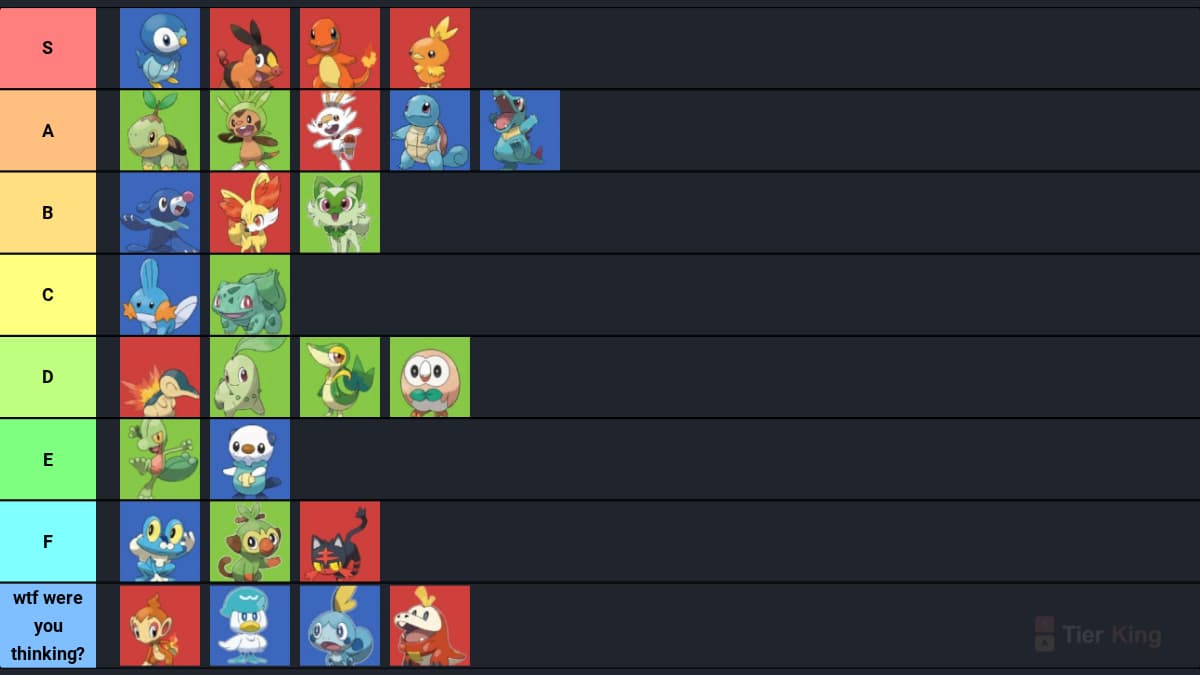
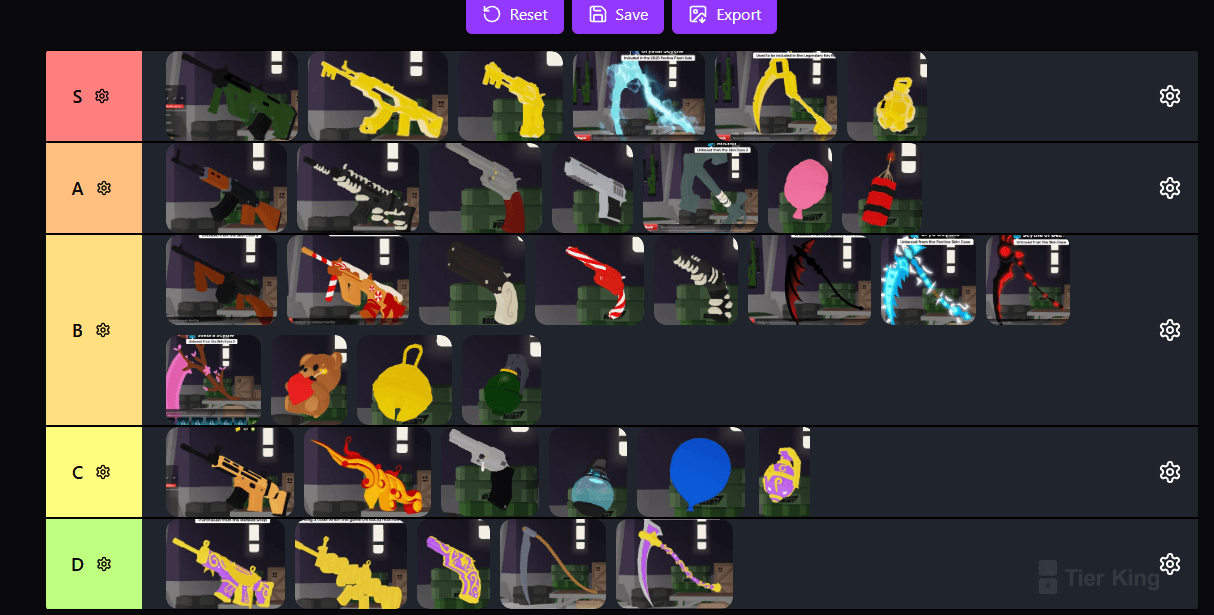
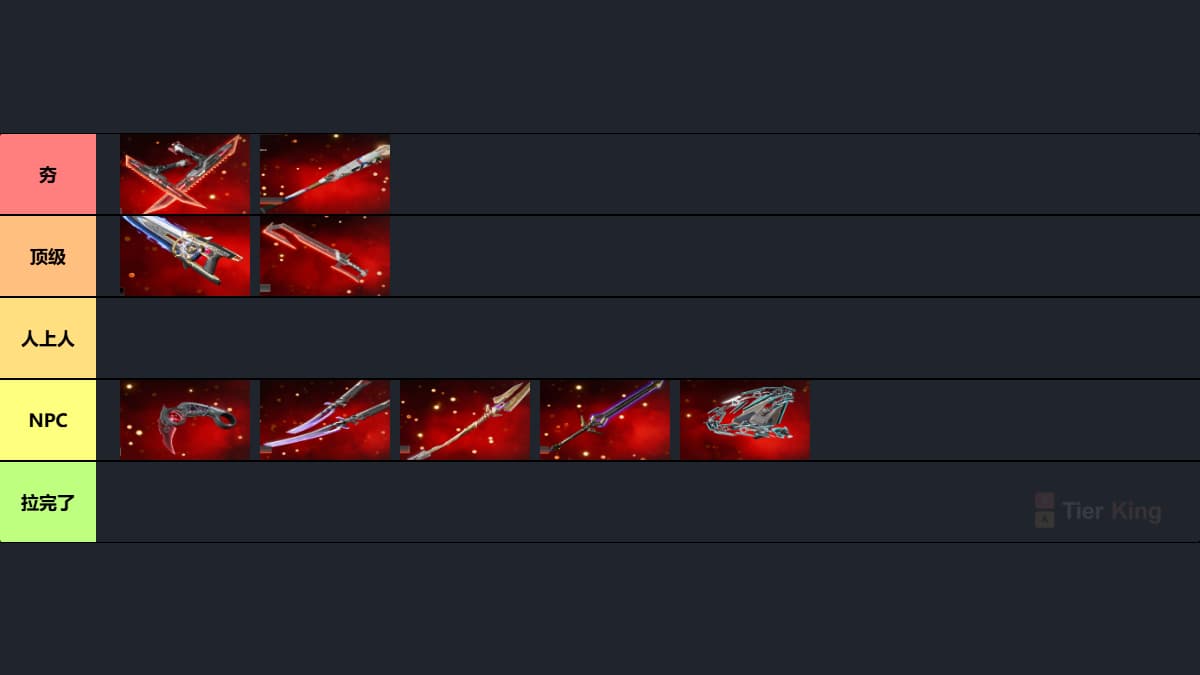
- Rank favorite games, characters, maps, weapons, teams, or albums.
- Create classroom, community, or creator rankings without design software.
- Prepare debate prompts, social posts, watchlists, draft boards, or buying shortlists.
- Compare image-heavy options visually, then export the result as a PNG.
Other tier list tools
Anime Tier List Maker for AniList
Import a public AniList anime list directly into the image pool, then rank every title your way.
Import your AniList anime listText Only Tier List Maker
Create rankings with text entries when you do not need image uploads.
Create with textImage Vote Tier List Maker
Turn an image ranking into a poll and let others submit their votes.
Create an image voteText Vote Tier List Maker
Collect group rankings with simple text items instead of images.
Create a text voteTier list maker FAQ
Is the TierKing tier list maker free?
Yes. You can use the free tier list maker to create a custom ranking with images, export it as a PNG, and share your ranking without paying.
Do I need to log in to make a tier list?
No login is required to start building. You can add images, arrange tiers, and export your tier list as a PNG before deciding whether to save or share it.
Can I make tier lists with text or images?
This page is built for image tier lists. If you want a faster text-only workflow, use the text-only tier list maker linked below.
Can I share rankings with other people?
Yes. You can export your finished tier list as a PNG for social posts, or use the vote tier list maker to collect rankings from a group.
Trending Tier Lists